Podcast episode QR codes for easy sharing and discovery

Share specific podcast episodes instantly with scannable codes that connect listeners directly to your content across all major platforms.
How podcast creators share episodes with QR codes
67% of podcast listeners discover new shows through word-of-mouth recommendations, according to recent industry data. Yet sharing a specific episode often involves spelling out complex URLs or hoping someone remembers to search for your show later.

A podcast episode QR code can help ease this frustration by encoding a direct link to your episode. When scanned, it takes listeners straight to the episode on their preferred platform - whether that's Apple Podcasts, Spotify, Google Podcasts, or your own website. The code can link to a single platform or a universal landing page that offers multiple listening options.
In this piece I'll walk you through creating these codes and show you how podcasters are using them to grow their audience. You can also explore our Spotify QR code guide for platform-specific sharing strategies.
Smart ways podcasters use episode QR codes
Podcasters are finding creative ways to bridge the gap between offline promotion and digital listening. These QR codes work particularly well for event marketing and cross-platform promotion.
Conference and event promotion
Speakers can include QR codes in their presentation slides to share relevant podcast episodes with attendees. Much more effective than asking people to remember show names.
Print marketing materials
Podcasters can add codes to business cards, flyers, and magazine ads to promote specific episodes that showcase their expertise or relate to the publication's audience.
Social media cross-promotion
Instagram stories and posts can feature QR codes that link to episodes, since Instagram doesn't allow clickable links in regular posts. Perfect for teasing episode highlights.
Guest appearance tracking
When appearing on other shows, podcasters can share QR codes that link to their best episodes, making it easy for new listeners to dive deeper into their content.
Creating scannable codes for your podcast episodes
Building a podcast episode QR code takes just a few minutes and works with any podcast hosting platform.
Access the QR code generator
Visit qrcodeveloper.com and select the URL option from the available QR code types.
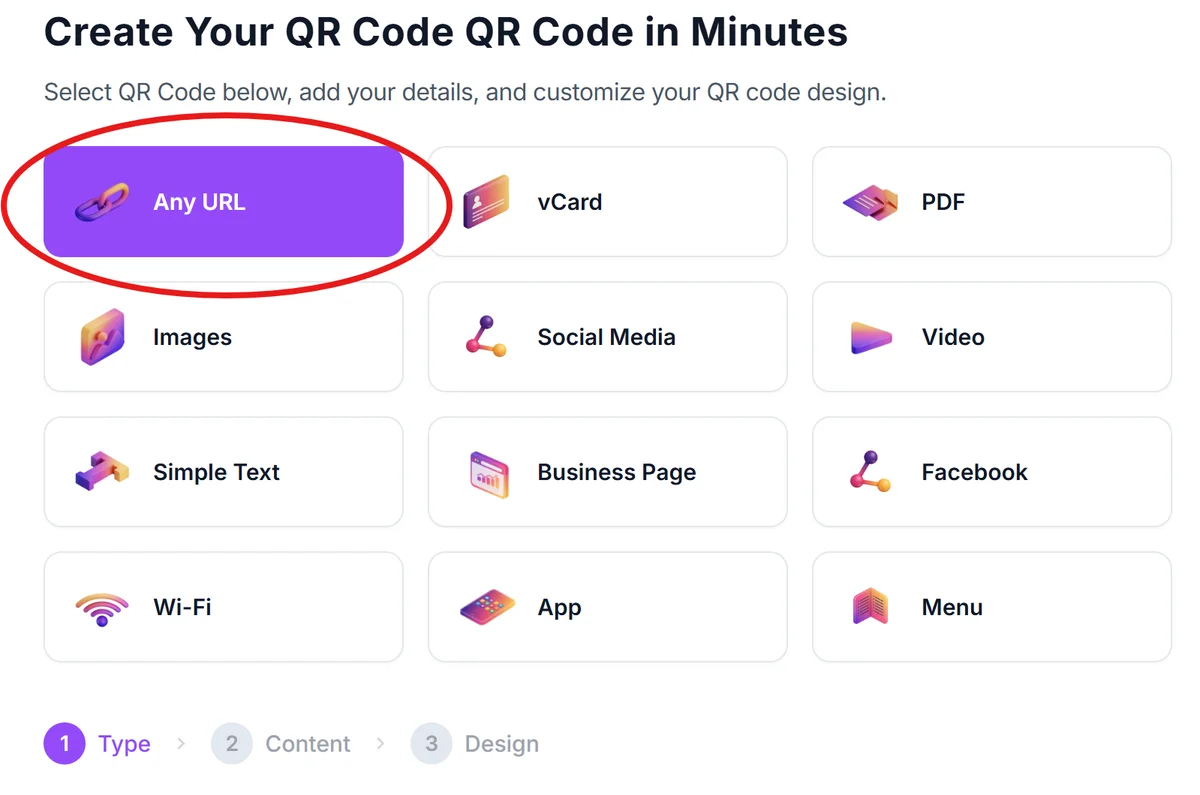
Enter your episode link
Copy the direct link to your episode from your podcast platform or hosting service. This could be an Apple Podcasts link, Spotify URL, or a universal link from your podcast website.

Customize for podcast branding
Choose colors that match your podcast artwork and add your show logo if desired. Keep the design clean and scannable while maintaining brand consistency.

Test with multiple devices
Scan your QR code with different smartphones to ensure it works across iOS and Android devices. Test that the link opens in the correct app or browser.
Add clear context
Include text near your QR code like 'Scan to listen' or 'Get this episode' so people understand what will happen when they scan. Context increases scan rates significantly.
Best practices for podcast QR code success
These strategies will help you get better results from your podcast episode QR codes and avoid common mistakes.
Link to a universal landing page rather than a single platform - give listeners the choice of Apple Podcasts, Spotify, Google Podcasts, or direct download options
Include episode context in your promotional text - mention what listeners will learn or why this specific episode matters to them
Size your QR codes appropriately for the medium - business cards need smaller codes while conference banners can handle larger, more detailed designs
Track which episodes get the most QR code scans to understand what content resonates with your offline audience and inform future episode topics
Frequently Asked Questions
Yes, by linking to a universal landing page on your website that offers multiple listening options. This gives listeners choice and ensures compatibility across all platforms.
Aim for at least 0.8 inches (2cm) square on business cards. This ensures reliable scanning while leaving room for your contact information and branding.
Yes, but make sure your QR code links to a page that explains access requirements. You can link to your subscription page or member login rather than the episode directly.
Yes, basic QR code generation is free. You can create unlimited codes for your podcast episodes without any cost or subscription requirements.
Related Guides
Ready to create your QR code?
Generate custom QR codes in seconds - free and easy to use.
Create Free QR Code →