QR codes for parent-teacher communication in schools

Bridge the communication gap between home and school with scannable codes that connect parents to classroom updates, homework, and resources instantly.
How QR codes transform parent-teacher communication
QR code usage in scholastic environments have increased dramatically in recent years. 45% of schools and universities in the United States have adopted QR codes for various purposes, such as accessing digital textbooks, submitting assignments, and offering virtual campus tours, according to EdTech Magazine (via QRCode.co.uk). This highlights the growing importance of QR codes in today's digital landscape, especially when it comes to education.
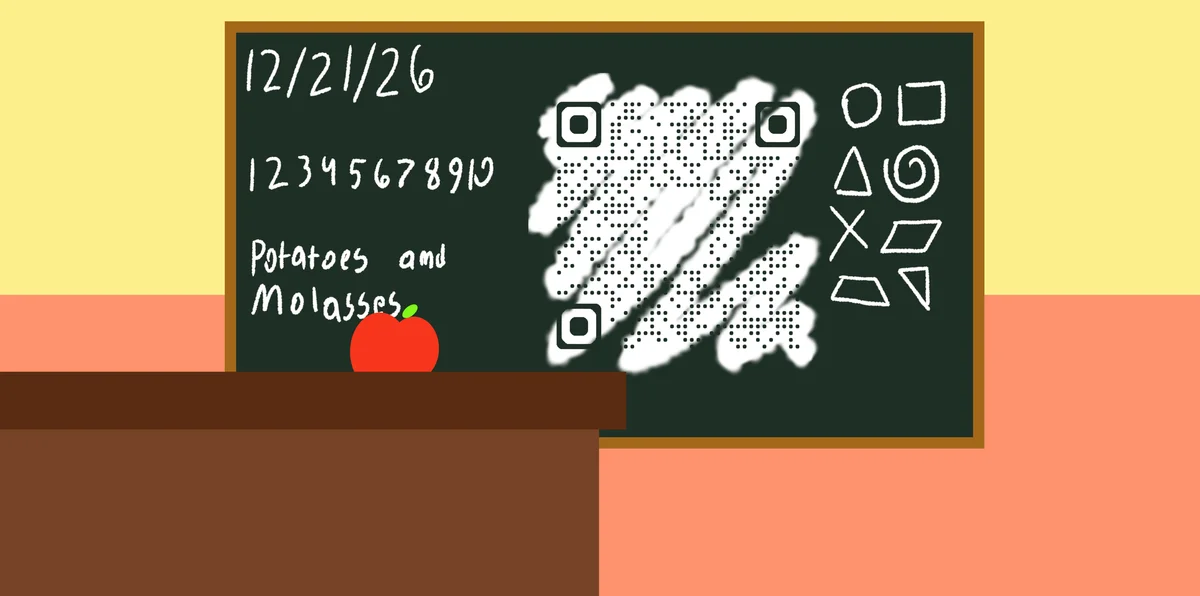
A parent-teacher communication QR code allows school staff to connect with families regarding classroom information. When scanned, these codes can direct parents and guardians to class websites, homework assignments, upcoming events, volunteer sign-ups, or even direct messaging platforms. Instead of sending home paper flyers that get lost in backpacks or relying on students to relay messages, teachers can add QR codes to flyers, place them on classroom doors, newsletters, or student planners.
This approach works particularly well when combined with other digital classroom tools. Teachers often link their QR codes to event pages for field trips or parent conferences, making it simple for families to access all the information they need. Throughout this guide, I'll show you how to create effective communication QR codes using QR Code Developer and share strategies that work in real classrooms. Make sure you have your pencils sharpened, because the lesson starts right now!
Ways teachers use QR codes to connect with families
Teachers across different grade levels have found creative ways to use QR codes for parent communication. These applications address common challenges like ensuring parents receive important information and making classroom resources easily accessible. Many teachers combine these with PDF QR codes to share detailed documents instantly.
Weekly newsletter access
Place QR codes on classroom doors or bulletin boards that link directly to weekly newsletters, eliminating the need for paper copies and ensuring parents always have the latest information. Consider creating QR code stickers for easy placement on various surfaces.
Homework and assignment portals
Create QR codes that link to online assignment boards or Google Classroom pages, giving parents real-time access to what their children are working on and upcoming due dates.
Parent conference scheduling
Generate QR codes for online scheduling systems during parent-teacher conference season, allowing families to book appointments at their convenience without phone tag. These work similarly to event QR codes for organizing school activities.
Classroom supply and volunteer coordination
Link QR codes to shared documents or sign-up sheets for classroom supplies, field trip volunteers, or special event helpers, making it easy for parents to contribute when they can.
Setting up your classroom communication QR code
Creating a communication QR code takes just a few minutes and can transform how you connect with families throughout the school year.
Visit the QR code generator
Go to qrcodeveloper.com and select the URL option to create a link-based QR code for your communication platform.

Enter your communication destination
Input the URL for your classroom website, Google Classroom page, newsletter signup form, or communication app. Make sure the link is accessible to all parents and doesn't require special login credentials.

Customize for your classroom
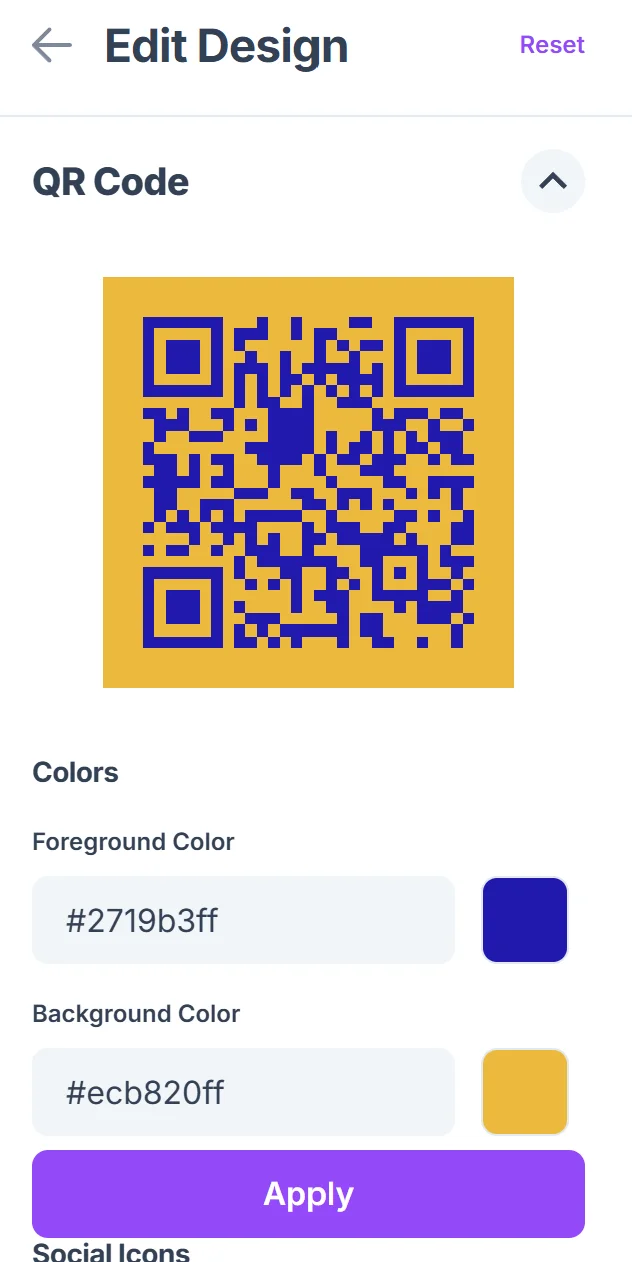
Choose colors that match your classroom theme or school colors. Add your name or grade level to make the QR code easily identifiable for parents who might see multiple codes throughout the school. Learn more about effective QR code design principles to create visually appealing codes.

Test with different devices
Before distributing, test your QR code with both iPhone and Android devices to ensure it works properly. Have a colleague or family member scan it to verify the destination loads correctly.
Create multiple placement options
Download your QR code in different sizes - small versions for newsletters and student planners, larger versions for classroom doors and bulletin boards.
Best practices for parent engagement QR codes
Successful parent communication QR codes require thoughtful planning and clear instructions to ensure all families can participate effectively. Understanding <a href="https://qrcodeveloper.com/blog/understanding-qrcodes/">how QR codes work</a> can help you explain the technology to parents who may be unfamiliar with it.
Include simple scanning instructions alongside your QR codes, especially for parents who may be unfamiliar with the technology. A brief "Point your phone camera at this code" helps everyone participate.
Place QR codes at eye level in high-traffic areas like classroom entrances, main hallways, and pickup/drop-off zones where parents naturally gather and have time to scan.
Keep your linked content mobile-friendly since most parents will access information on their phones. Test how your destination looks on smaller screens and ensure text is readable.
Update your QR code destinations regularly with fresh content to keep parents engaged. Stale information reduces trust and participation in your communication system.
Frequently Asked Questions
The most effective options include your classroom website, Google Classroom parent view, weekly newsletter signup, or a dedicated communication app like ClassDojo or Remind. Choose platforms that parents can access without creating new accounts when possible.
Include simple visual instructions showing how to point their phone camera at the code. Consider hosting a brief tutorial during back-to-school night or sending home a simple instruction sheet with pictures.
Yes, most platforms provide analytics showing how many people click your links. However, focus on engagement rather than individual tracking to maintain trust with families.
During the transition period, offering both digital and paper options ensures all families receive important information. Gradually shift toward digital as parents become comfortable with the system.
Yes, basic QR codes are completely free to create and use. You can generate as many as you need for different classroom purposes without any cost.
Related Guides
Ready to create your QR code?
Generate custom QR codes in seconds - free and easy to use.
Create Free QR Code →