MP3 QR codes for instant audio sharing

Connect listeners directly to your audio content with scannable codes that bypass complex file sharing and streaming platform searches.
How MP3 QR codes connect audio to audiences
Sharing audio files used to be difficult and involve sending large email attachments or posting links that nobody could remember. Musicians would hand out business cards with URLs that were almost impossible to type correctly, and podcast creators struggled to get listeners to find their episodes among thousands of search results. Now a simple scan of a QR code can connect people directly to your audio content without the friction of typing, searching, or downloading.
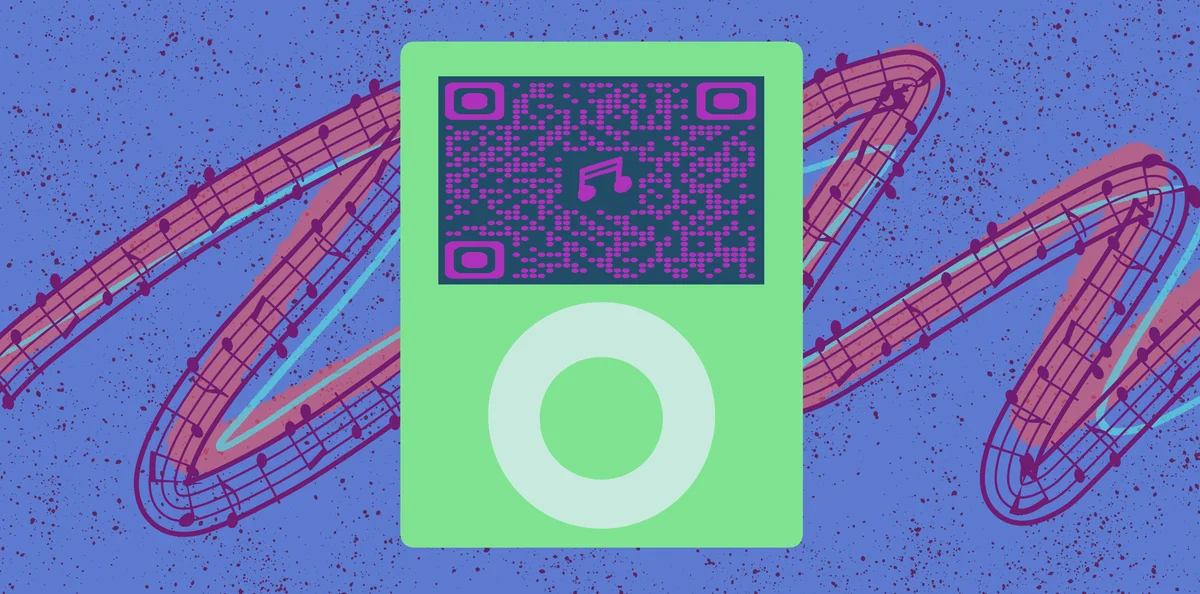
An MP3 QR code contains a direct link to your audio file, whether it's hosted on your website, a streaming platform, or cloud storage service. When someone scans the code with their smartphone, they're instantly taken to your audio content where they can listen immediately or save it for later. The code works with any audio format - MP3, WAV, AAC, or streaming links to platforms like SoundCloud, Bandcamp, or Spotify.
Musicians, podcasters, educators, and businesses use these codes to bridge the gap between physical marketing materials and digital audio content. In this guide I'll show you exactly how to create effective MP3 QR codes using QR Code Developer and share strategies that actually get your audio heard by the right people. So let's dive right in!
Real-world applications for audio QR codes
MP3 QR codes solve the fundamental problem of getting people to actually listen to your audio content when they're interested but distracted. These codes work particularly well when combined with visual marketing materials, as detailed in our guide to adding QR codes to flyers.
Musicians promoting new releases
Bands include QR codes on posters, album covers, and merchandise that link directly to their latest songs on streaming platforms or their own websites.
Podcast episode promotion
Content creators use QR codes in social media posts, business cards, and conference materials to drive listeners to specific episodes without platform confusion.
Educational audio resources
Teachers and trainers embed QR codes in handouts and presentations that connect students to supplementary audio lessons, language practice files, or recorded lectures.
Audio testimonials and reviews
Businesses include QR codes on marketing materials that link to customer testimonials, product demos, or behind-the-scenes audio content that builds trust and engagement.
Building your MP3 QR code step-by-step
Creating an MP3 QR code requires having your audio file accessible via a direct URL. The process takes just a few minutes once your audio is properly hosted.
Upload your audio file to a hosting platform
Host your MP3 file on your website, SoundCloud, Bandcamp, Google Drive (with public sharing enabled), or another platform that provides direct links. Copy the full URL to your audio file. Then visit qrcodeveloper.com to begin creating your QR code.
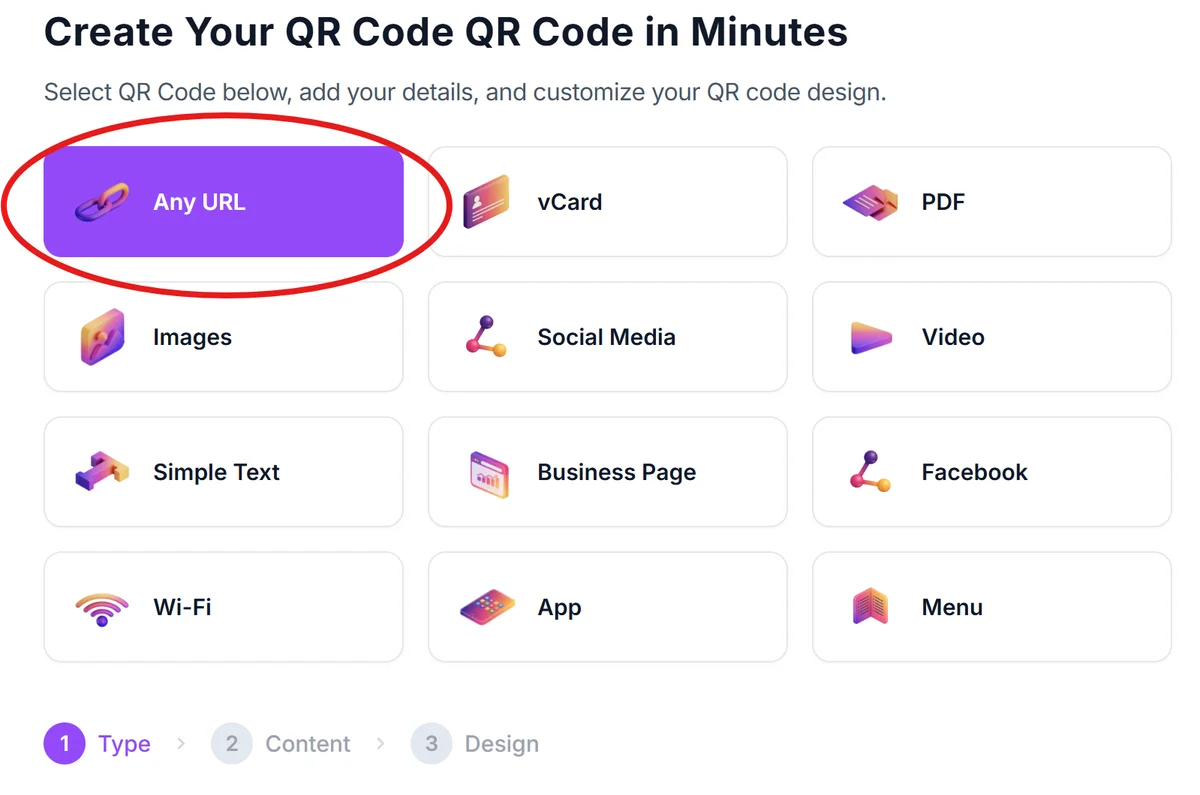
Select URL QR code type and paste your audio link
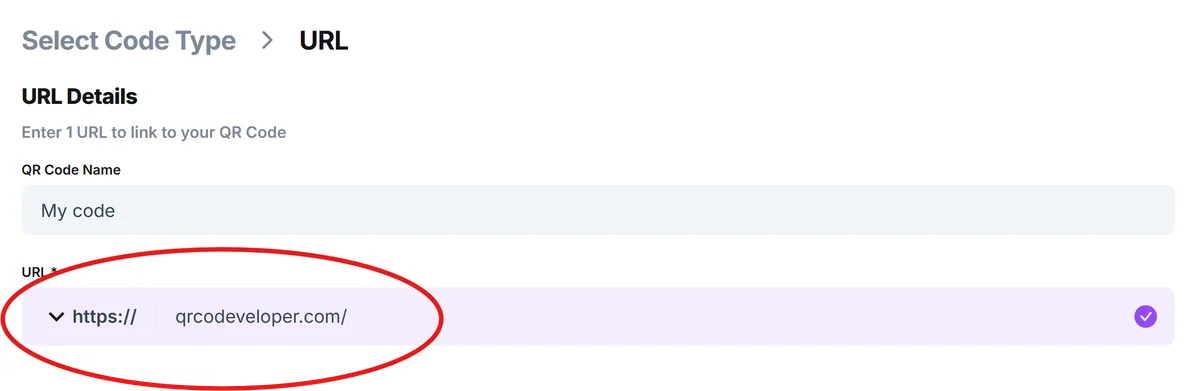
Choose the URL option from the QR code generator and paste your audio file's direct link. Make sure the link works by testing it in a browser first - it should either play the audio directly or take you to the platform where it's hosted.
Customize the design for your audio brand
Add colors that match your album artwork, podcast branding, or website design. Consider adding a logo or icon that helps people recognize your audio content at a glance, following our QR code design tips.


Test playback across different devices
Scan your QR code with both iPhone and Android devices to ensure the audio plays correctly. Test on different browsers and check that the volume controls work properly for your target audience.
Add clear instructions near the code
Include text like 'Scan to listen' or 'Hear the full song' so people know what to expect. Consider adding headphone icons or other visual cues that indicate audio content.
Best practices for audio QR code success
Getting people to scan and actually listen to your audio requires strategic placement and clear expectations about what they'll hear.
Choose hosting platforms that don't require account creation or app downloads - direct website links or universal platforms like SoundCloud work better than exclusive streaming services. Understanding different types of QR codes can help you choose the best approach for your audio content.
Keep your audio files under 10MB for faster loading and include a brief description or title visible when the link opens so listeners know what they're about to hear
Place QR codes where people have time to listen - avoid noisy environments and consider that most people will use headphones, so include that suggestion in your call-to-action text
Track which QR code placements generate the most listens by using different URLs for different locations, then focus your efforts on the highest-performing placement strategies
Frequently Asked Questions
You'll need to upload your audio files to a web-accessible platform first. Phone storage isn't accessible via QR codes, so use cloud storage, your website, or streaming platforms that provide shareable links.
Most smartphones can play common audio formats directly in the browser. However, linking to platform-specific content (like Spotify) may require users to have those apps installed.
QR codes link to files rather than storing them, so file size depends on your hosting platform's limits. For best user experience, keep files under 10MB to ensure quick loading on mobile connections.
Only if you keep the same URL. If you replace the file at the same web address, the QR code will automatically point to the new version. Changing URLs requires generating a new QR code.
Yes, most hosting platforms provide analytics on plays and downloads. You can also use URL shorteners with tracking features to monitor QR code scans before they reach your audio content.
Related Guides
Ready to create your QR code?
Generate custom QR codes in seconds - free and easy to use.
Create Free QR Code →