Link QR Code Generator - Create URL QR codes instantly

Generate scannable QR codes for any website URL in seconds with customizable design options and instant download.
How link QR codes bridge physical and digital marketing
QR code usage is on the rise. Over 88% of smartphone users have scanned a QR code in the past year, with Statista reporting that URL-based QR codes remain the most popular type across all demographics. This massive adoption has transformed how businesses connect their offline marketing materials to online content.
A link QR code makes it so that someone can easily access a just about any web page just from scanning a code with their smart phone camera. Whether you're directing people to your homepage, a specific product page, a signup form, or social media profile, these codes eliminate the hassle of typing long URLs manually.
The beauty of link QR codes lies in their versatility and immediate impact. Throughout this guide, I'll go over how to create effective link QR codes using QR Code Developer and maximize their impact across different marketing channels. So let's get started!
Smart ways businesses use link QR codes
Link QR codes solve the fundamental problem of getting people from physical touchpoints to digital experiences without barriers. From retail stores to professional services, these codes create instant connections that drive measurable results. Learn more about different types of QR codes for various business needs.
Business card enhancement
Professionals add QR codes linking to their LinkedIn profiles, portfolios, or personal websites, making networking more effective than exchanging contact information alone. Many also integrate these into QR code business cards for seamless digital networking.
Product packaging connections
Retailers use QR codes on packaging to link customers to product tutorials, warranty information, customer reviews, or related product recommendations.
Event promotion and registration
Event organizers place QR codes on flyers and posters that link directly to registration pages, eliminating the need for people to remember or type complex URLs. This approach is particularly effective when you know how to add a QR code to your flyer strategically.
Real estate property showcases
Agents add QR codes to yard signs and property flyers that link to virtual tours, detailed listings, or scheduling pages for private showings.
Creating your first link QR code
Building a link QR code takes just minutes, but the setup process determines how well it performs for your specific goals.
Launch the QR code generator
Head to qrcodeveloper.com and select the URL/Link option from the available QR code types.
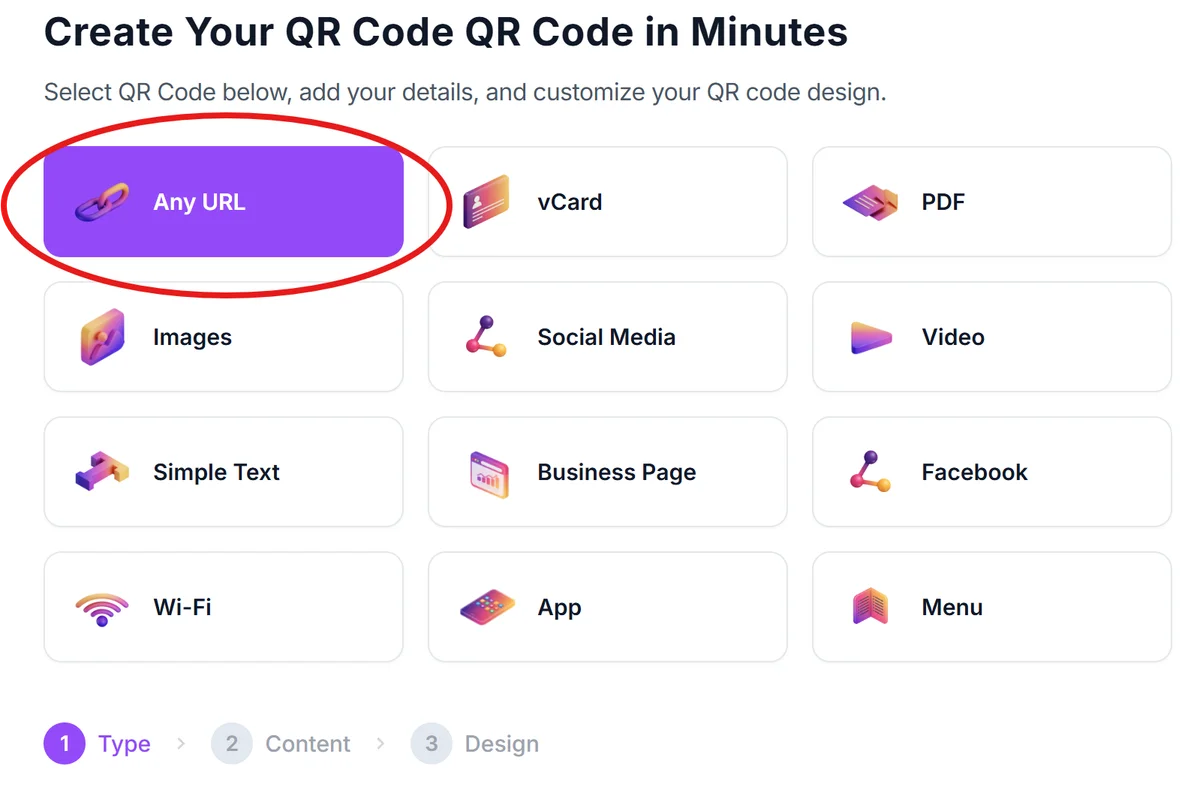
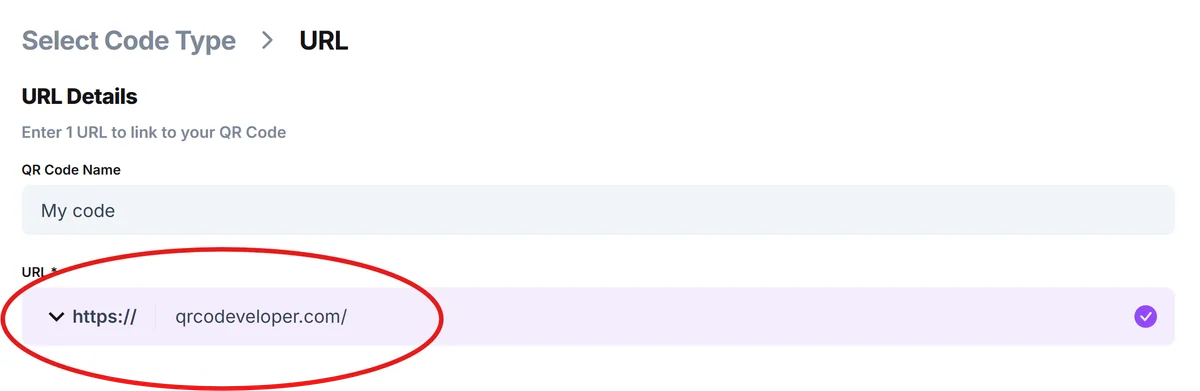
Enter your destination URL
Paste the complete web address where you want people to go. Include the full URL starting with 'https://' to ensure proper functionality across all devices.
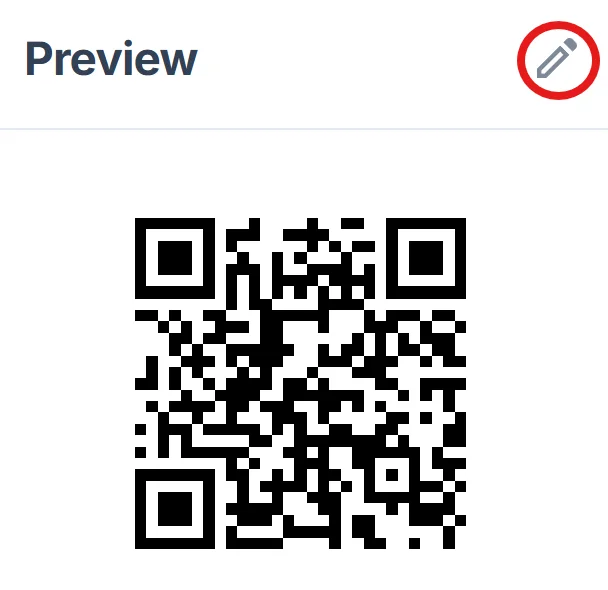
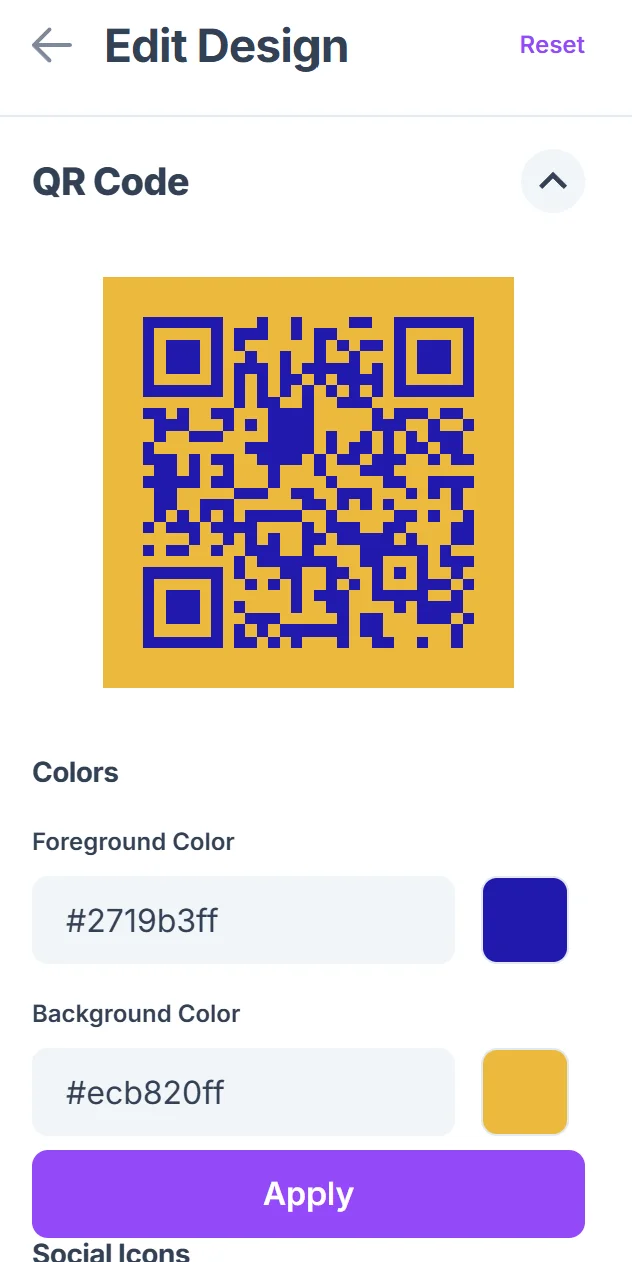
Customize the visual design
Choose colors that match your brand and adjust the size based on where you'll display the code. Darker colors on light backgrounds typically scan better than light-on-dark combinations. For more detailed guidance, check out our QR code design tips.
Test across multiple devices
Before finalizing, scan your QR code with different smartphones and QR code apps to verify it opens correctly and loads quickly on various connection speeds. Consider using one of the most secure QR code scanners during testing.
Download and implement strategically
Save your QR code in the appropriate format for your use case - high-resolution PNG for print materials or SVG for scalable digital applications.
Best practices for link QR code success
The difference between QR codes that get scanned and those that get ignored often comes down to thoughtful implementation and user experience considerations.
Always include a brief instruction like 'Scan for more info' or 'Scan to visit our website' near your QR code so people understand what action to take and what they'll find. This is especially important for users who want to learn how to check if a QR code is safe before scanning.
Test your destination page's mobile loading speed since 90% of QR code scans happen on smartphones, and slow pages lead to immediate abandonment
Place QR codes at eye level when possible and ensure they're large enough to scan from a comfortable distance - typically at least 1 inch square for print materials
Use tracking parameters in your URLs (like UTM codes) to measure which QR code placements drive the most traffic and conversions for future optimization
Frequently Asked Questions
Can I change where my QR code links after I create it?
Static QR codes cannot be changed once created - they permanently link to the original URL. If you need flexibility to update destinations, consider using dynamic QR codes that allow link changes without reprinting materials.
What's the ideal size for a link QR code on business cards?
Aim for at least 0.8 inches (2 cm) square on business cards. This ensures reliable scanning while leaving space for your other contact information. Test the size by scanning from arm's length.
Do QR codes work with shortened URLs like bit.ly links?
Yes, QR codes work perfectly with shortened URLs. However, using your own domain shortener or the full URL can build more trust with users who might be cautious about unfamiliar short links.
How do I know if people are scanning my QR codes?
Add tracking parameters to your destination URL or use analytics tools like Google Analytics to monitor traffic sources. You can also use URL shorteners that provide click statistics.
Are there any costs involved in creating link QR codes?
Basic static QR codes are completely free to generate and use. You only pay if you need advanced features like dynamic linking, detailed analytics, or custom branding options.
Related Guides
Ready to create your QR code?
Generate custom QR codes in seconds - free and easy to use.
Create Free QR Code →