In game QR code generator for interactive gaming experiences

Bridge physical and digital gaming worlds with QR codes that unlock rewards, share stats, and create immersive multiplayer experiences.
How QR codes transform gaming experiences
We've all had fun trading Pokemon cards with our friends or showing off our high scores to others. It's part of what makes gaming so great! The community and interaction with others. Now, in the digital age, it's possible to share all sorts of gaming experiences, whether it be electronic or on a table top, all with QR codes!
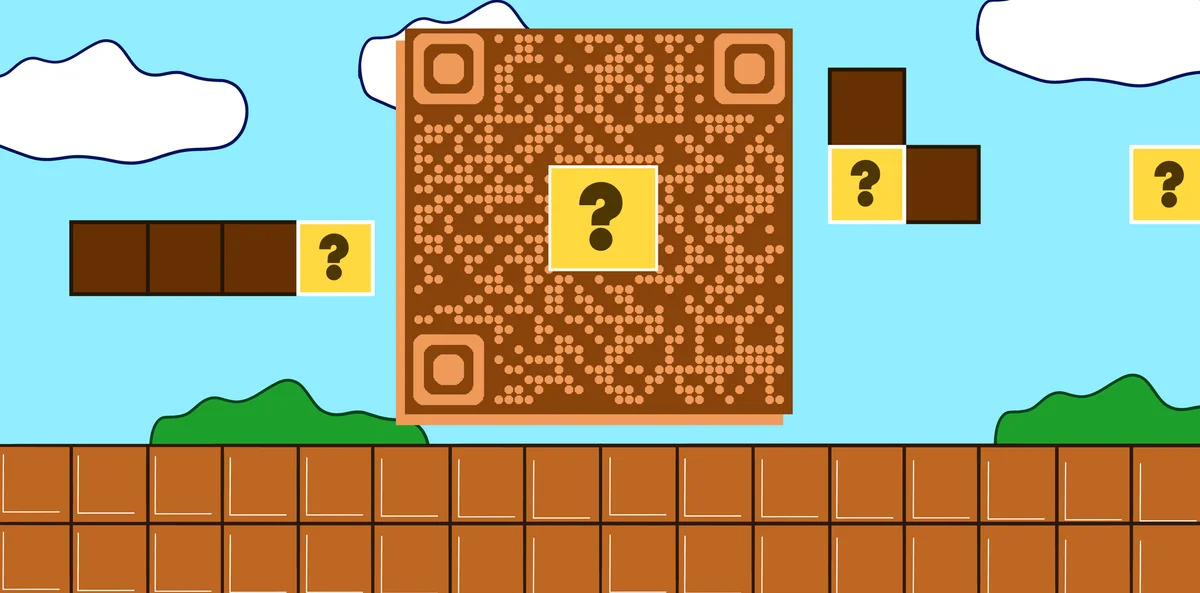
In-game QR codes can help connect different gaming platforms and experiences. Players might scan a code on a board game piece to unlock digital content, share their high scores with friends, or join multiplayer sessions instantly. These codes eliminate the need to type long URLs, share friend codes, or manually enter game data. Just scan and go! Similar to how QR codes are transforming arcade experiences, they create seamless connections between physical and digital gaming worlds.
In this guide I will cover everything you need to know about creating QR codes for gaming applications. From simple URL codes that link to game downloads to complex data codes that store character information, you'll learn how to implement QR technology that makes your games more engaging and accessible. We'll also explore how QR codes are revolutionizing the gaming industry across different platforms and genres. Make sure you're controller is charged and you have the right cheat codes, because the game starts now!
Gaming applications for QR codes
Game developers and players use QR codes to solve common gaming challenges like sharing progress, distributing content, and connecting different platforms. These codes work particularly well for physical games that integrate digital components.
Character and progress sharing
Players scan codes to share character builds, stats, or achievements with friends, making it easy to showcase progress or get help with difficult content. This works similarly to sharing contact information via QR codes, but for gaming data instead.
Multiplayer session invites
Game hosts generate QR codes that instantly connect friends to private lobbies, eliminating the need to share complex room codes or friend IDs.
Digital rewards and unlocks
Physical game merchandise, cards, or packaging include QR codes that unlock in-game items, characters, or exclusive content when scanned.
Cross-platform integration
Board games, card games, and physical toys use QR codes to connect with companion mobile apps, adding digital layers to traditional gameplay.
Building QR codes for your game
Creating gaming QR codes requires understanding what type of content you want to share and how players will interact with it.
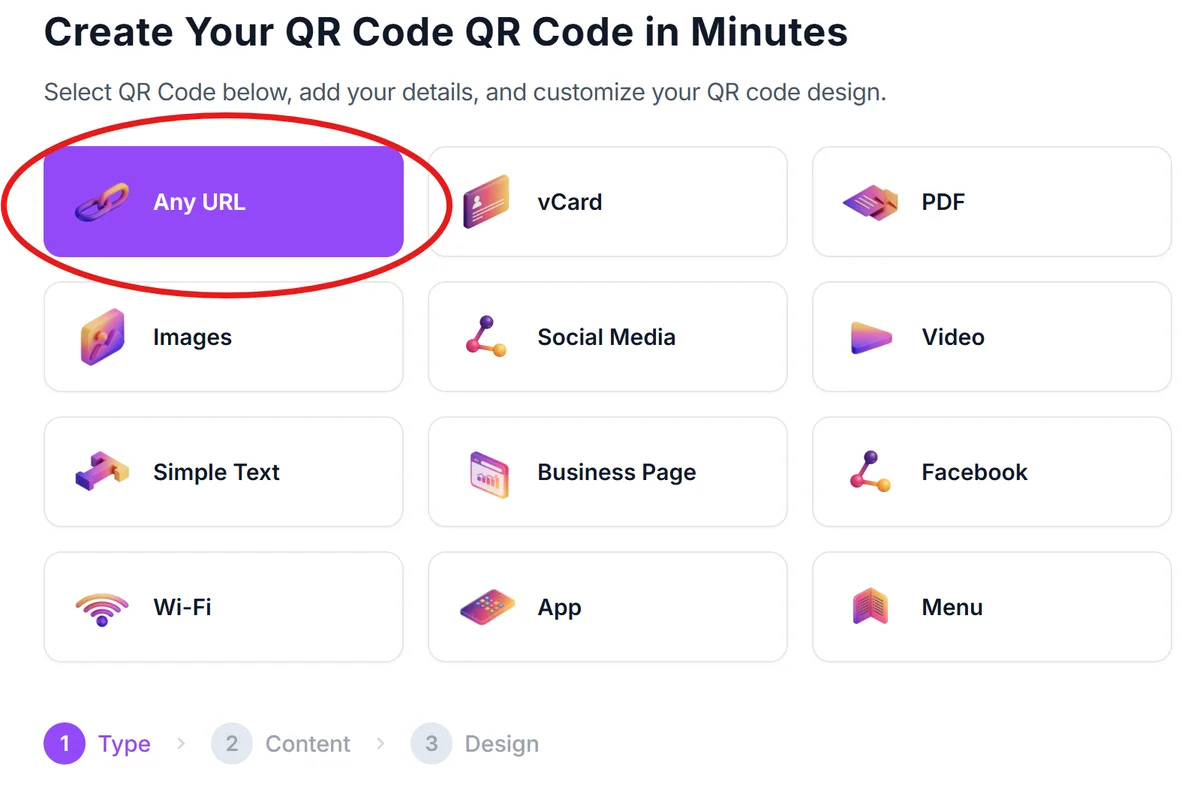
Launch the QR generator platform
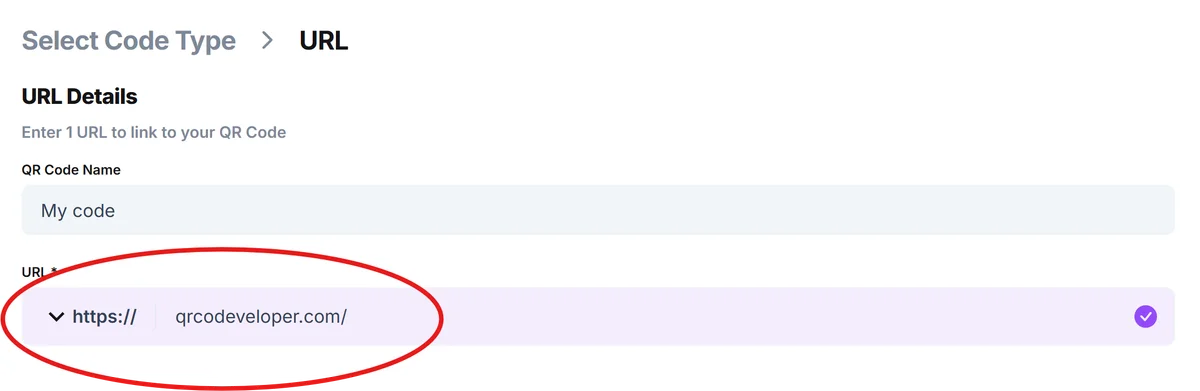
Open qrcodeveloper.com in your browser. The platform supports all major QR code types needed for gaming applications.
Configure your game content
Enter your game URL, server invite link, character data, or download page. For complex data like stats or builds, use the text option to encode JSON or custom formats your game can parse. Understanding different types of QR codes will help you choose the right format for your gaming application.
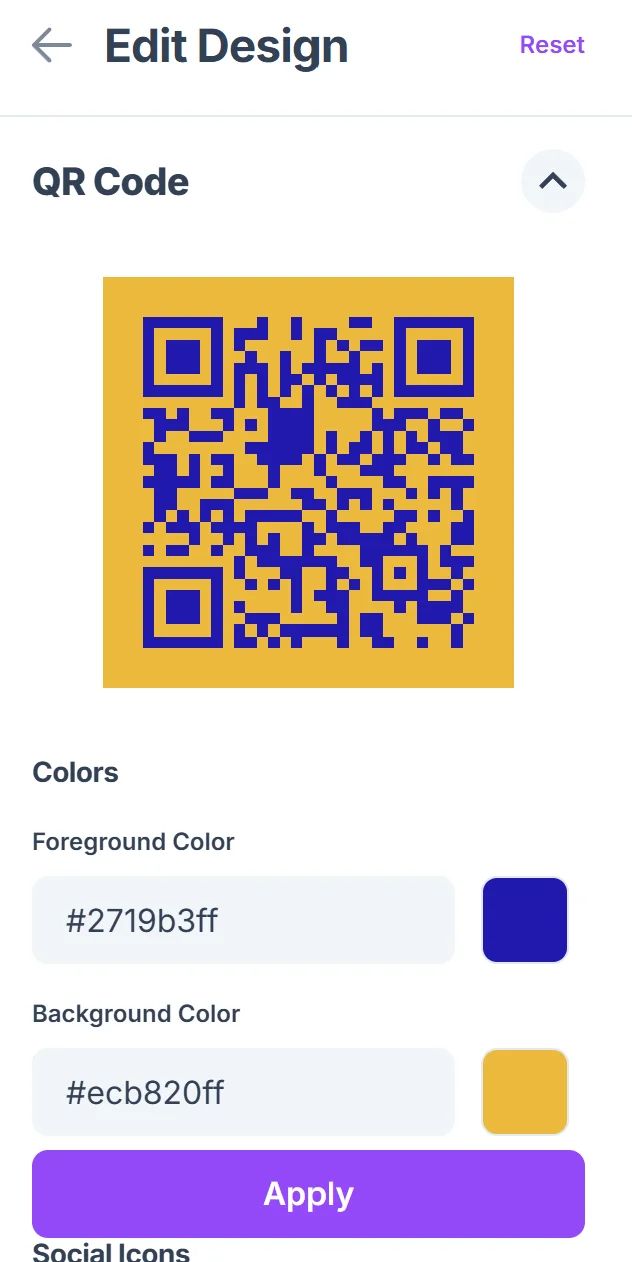
Design for your gaming brand
Customize colors to match your game's visual style. Add your game logo to the center for brand recognition, and choose colors that work well on your intended background materials.

Test across gaming devices
Scan your code with different smartphones and tablets that your players use. Test scanning from various distances and lighting conditions, especially if codes will appear on physical game components.
Implement in your game ecosystem
Add codes to game cards, instruction manuals, promotional materials, or in-game interfaces. Consider how players will discover and use these codes as part of their natural gameplay flow.
Best practices for gaming QR codes
Successful gaming QR codes balance functionality with user experience, making scanning feel like a natural part of gameplay rather than an interruption.
Size codes appropriately for your medium - codes on trading cards need to be large enough to scan easily, while codes on screen can be smaller since players can zoom in
Include clear instructions about what scanning the code will do, especially for younger players who might not understand the connection between physical and digital elements. Consider creating visual guides or QR code stickers with clear labeling to make the scanning process more intuitive.
Test codes with worn or damaged materials since gaming components get heavy use - ensure codes remain scannable even with minor scratches or wear
Consider offline functionality for codes that might be scanned in areas with poor internet connectivity, using local app features when possible
Frequently Asked Questions
Can QR codes store actual game data like character stats or inventory?
Yes, QR codes can store up to about 3,000 characters of text data, which is enough for basic character information, simple inventories, or game state data in JSON format.
How do I create QR codes that work with my existing game server?
Generate URL QR codes that link to your game's web API endpoints or deep links. Your game client can parse the URL parameters to trigger specific actions like joining servers or loading character data.
Will QR codes work on glossy trading cards or game pieces?
Yes, but avoid placing codes on highly reflective surfaces. Use matte finishes when possible, or position codes away from areas that create glare under typical lighting conditions.
Can players scan QR codes while the game is running?
This depends on your platform. Mobile games can integrate QR scanning directly into the app, while PC or console games might require players to use their phone's camera app separately.
Are there any costs for generating gaming QR codes?
Basic QR code generation is free and works well for most gaming applications. You only need paid features if you want detailed analytics about scan rates or the ability to update code destinations later.
Related Guides
Ready to create your QR code?
Generate custom QR codes in seconds - free and easy to use.
Create Free QR Code →